
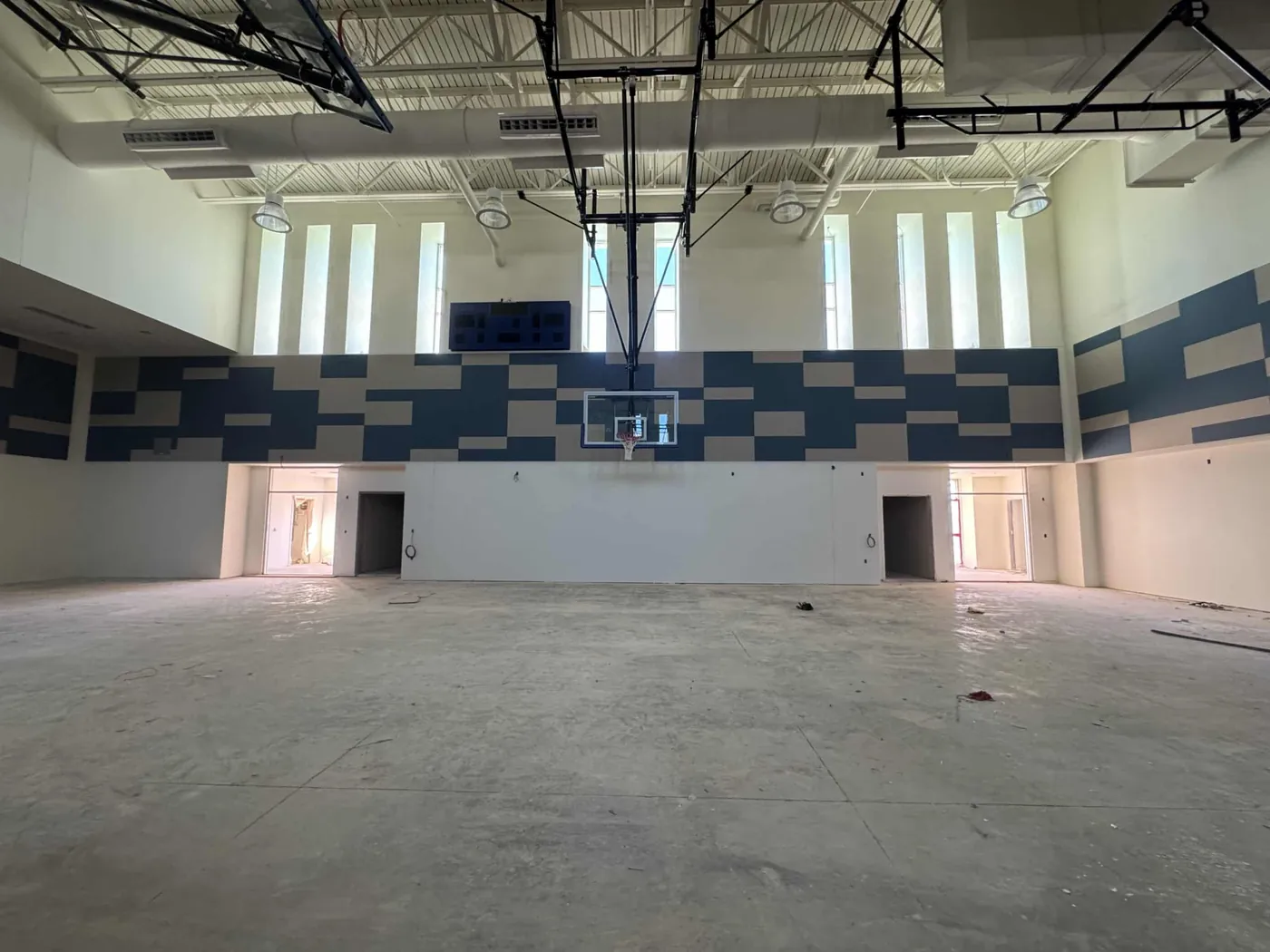
Project intake · Commercial acoustics
Start with the room, not a product guess.
Share the project condition and the information already available. QTS can use that context to begin a product conversation around the space.
Submit a project brief and up to three supporting PDF, JPG or PNG files through the secure website form.
Give the room a useful starting record
The best first email explains the condition.
Plans are valuable when they are paired with the room’s purpose, field condition and the decisions the project team is trying to make.
Include the project name and location, room use, stage, available dimensions and a short description of the acoustic concern. Drawings, elevations, reflected ceiling plans and photos can add the context that a product name alone cannot.
The form below organizes those basics and sends the project brief directly to QTS. Optional drawings or photos are used for the immediate email delivery attempt and are not retained on the web server.
Secure project intake
Send the project brief.
Required fields are marked with . Submit the known project information and attach useful plans or photos when available.
Before you send
Know what this page does.
The workflow stays intentionally compact while making the data, file handling and project boundary clear.
Does this page upload my plans?
Yes, when you choose files. They are validated and used only for the immediate email attempt, then deleted from the web server. The private inquiry record retains only sanitized filenames and the number of files.
Is the message sent when I select the button?
Yes. After the required fields and security checks pass, the website records the inquiry privately and attempts to send it to QTS by email.
What if I do not have drawings yet?
Describe the room use, project stage, known dimensions, acoustic concern and any visible conditions. Photos or a concise written description can help frame the first conversation.
Does sending plans confirm a product or quantity?
No. The project information is a starting point. The selected product, configuration, quantities, finishes, documentation and installation details must be confirmed for the project.
Need a simpler starting point?
Call QTS with the room in front of you.
Have the project name, location, room use and available drawings or photos nearby so the conversation can stay grounded in the actual condition.